Build, orchestrate, and operate your agents.
Turn protocols into working agents across voice, SMS, email, and web. Connect your systems, define what happens at each step, and decide where AI acts and people step in.
Build the operation in one place.
Design workflows, launch journeys, shape the data they use, and follow each member conversation from one place.
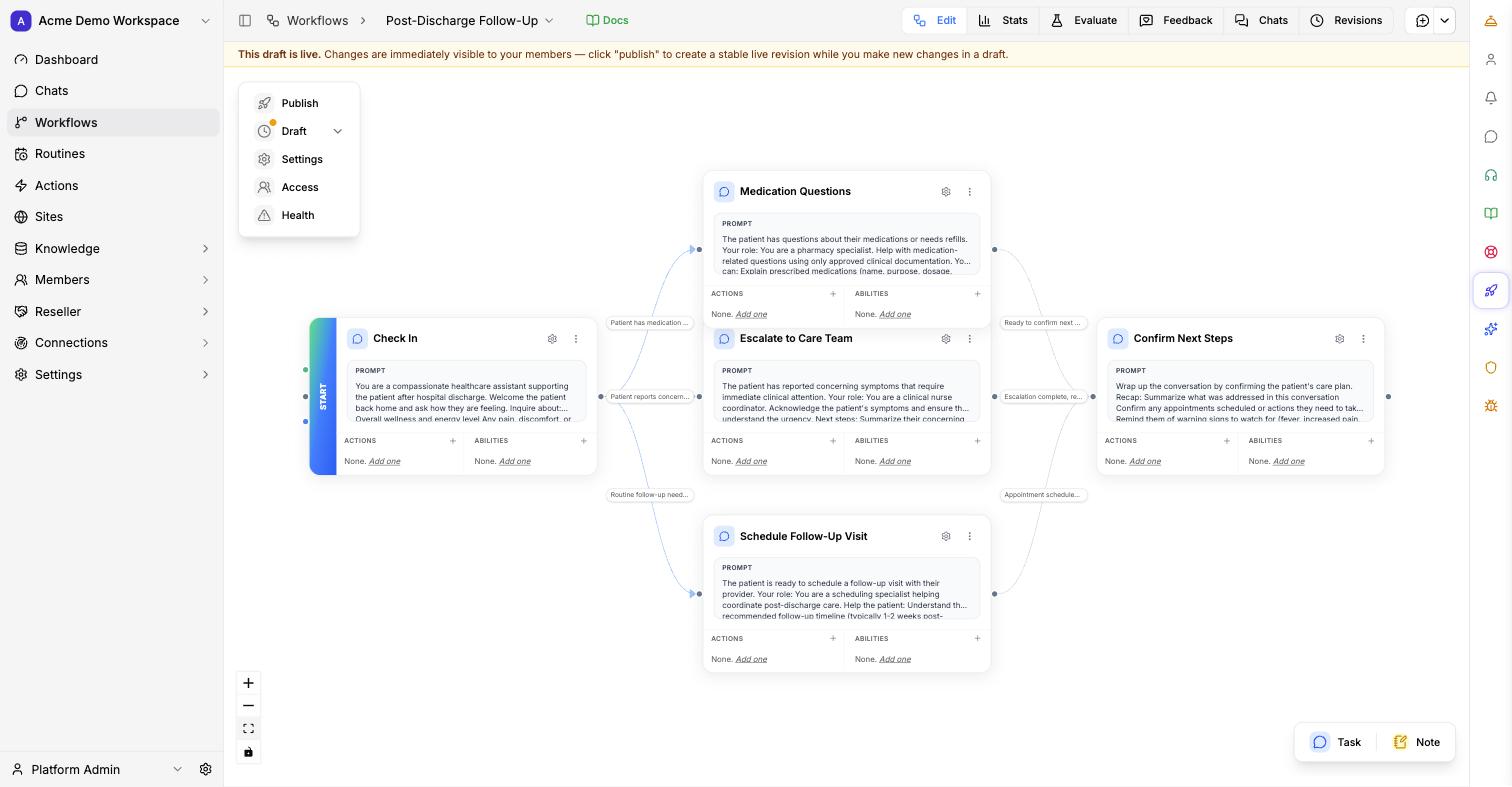
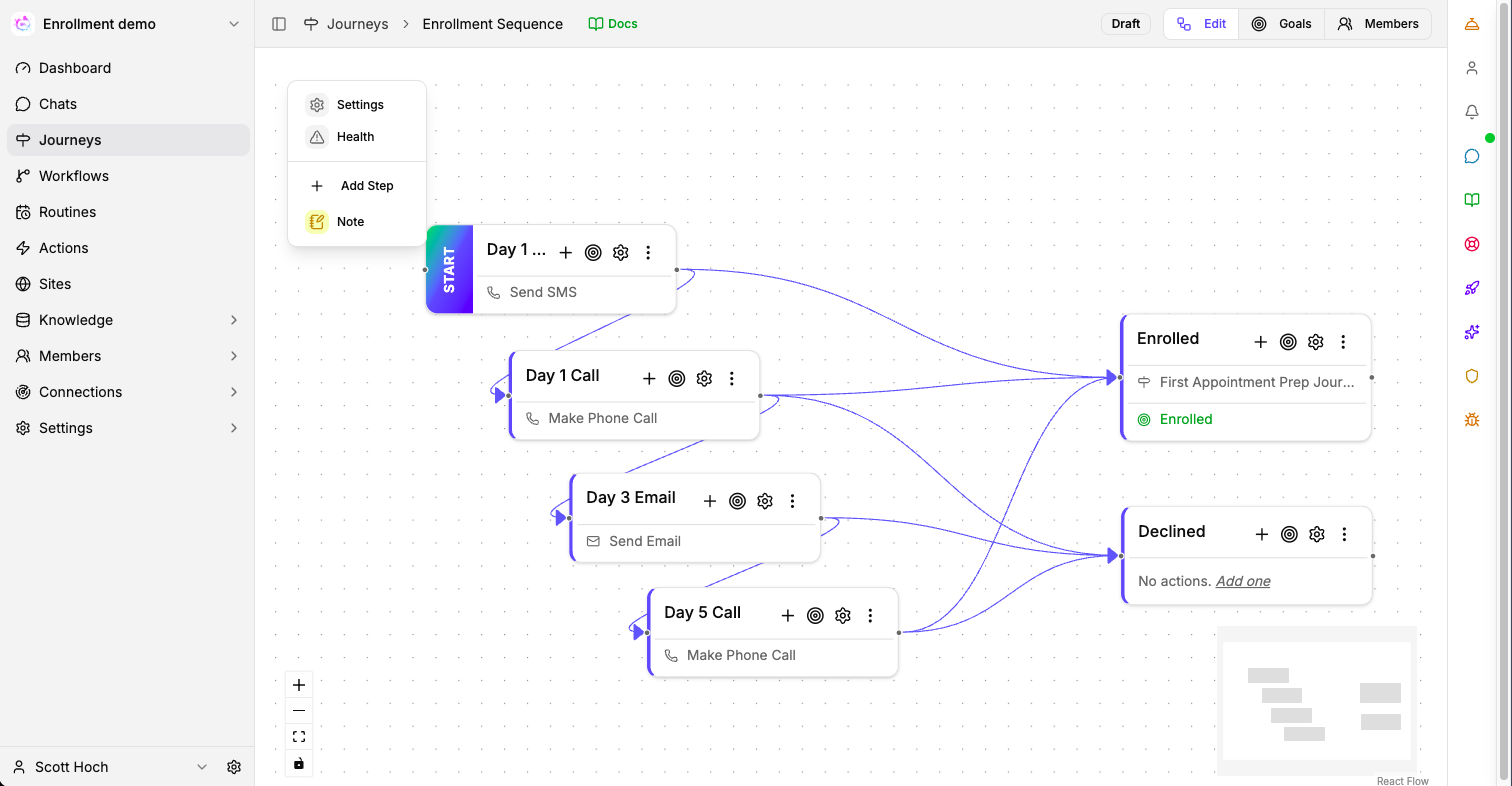
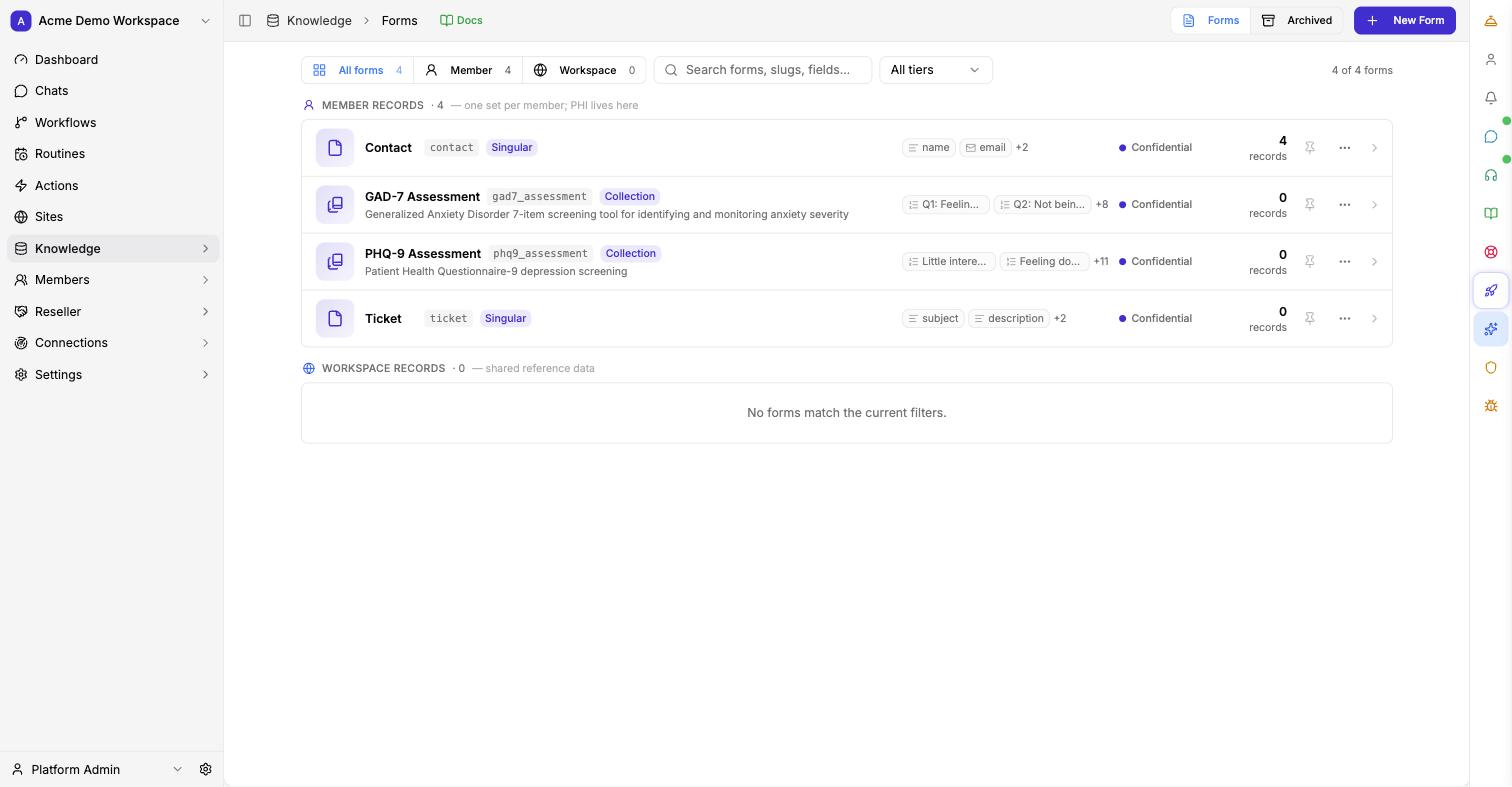
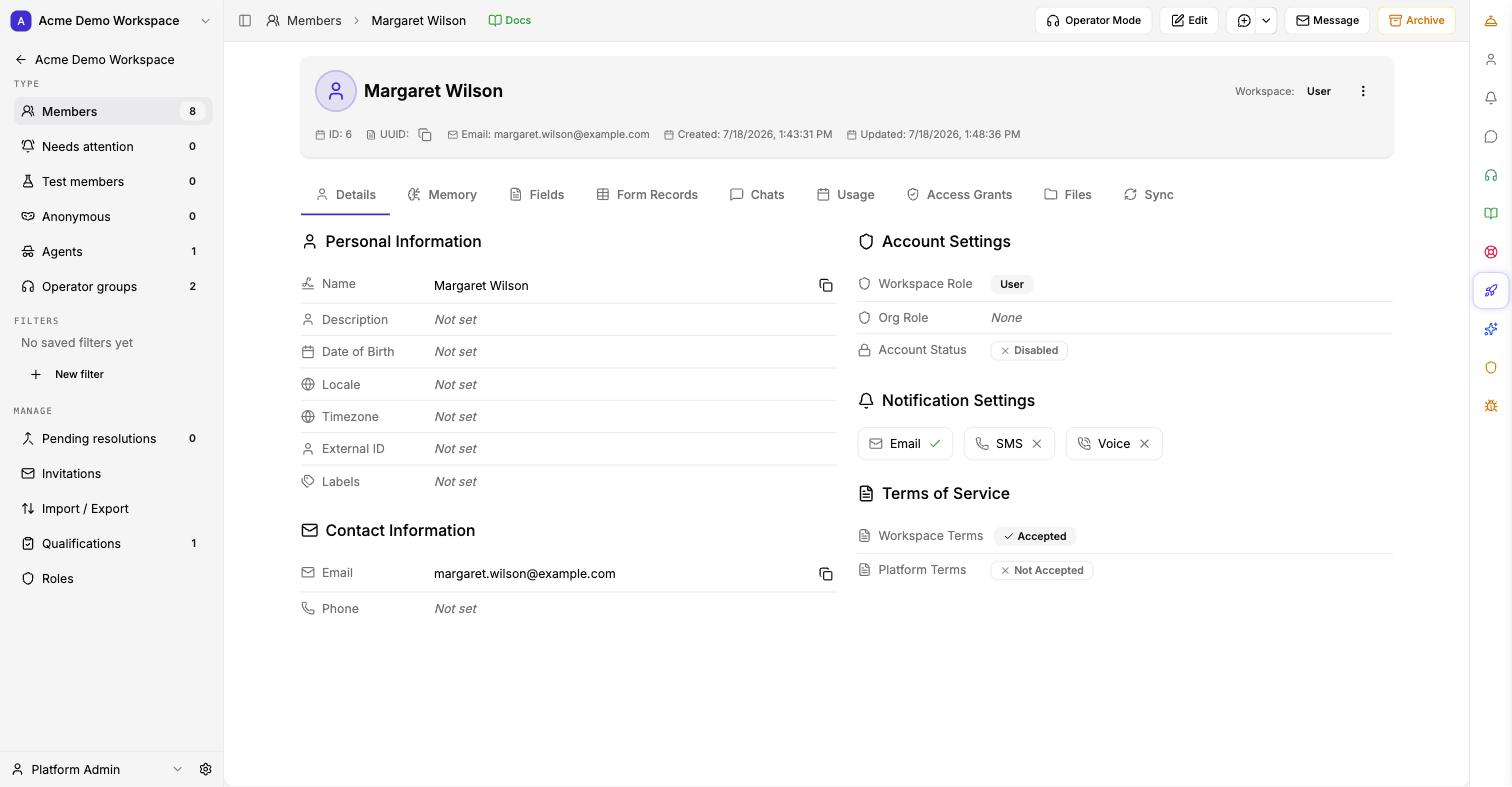
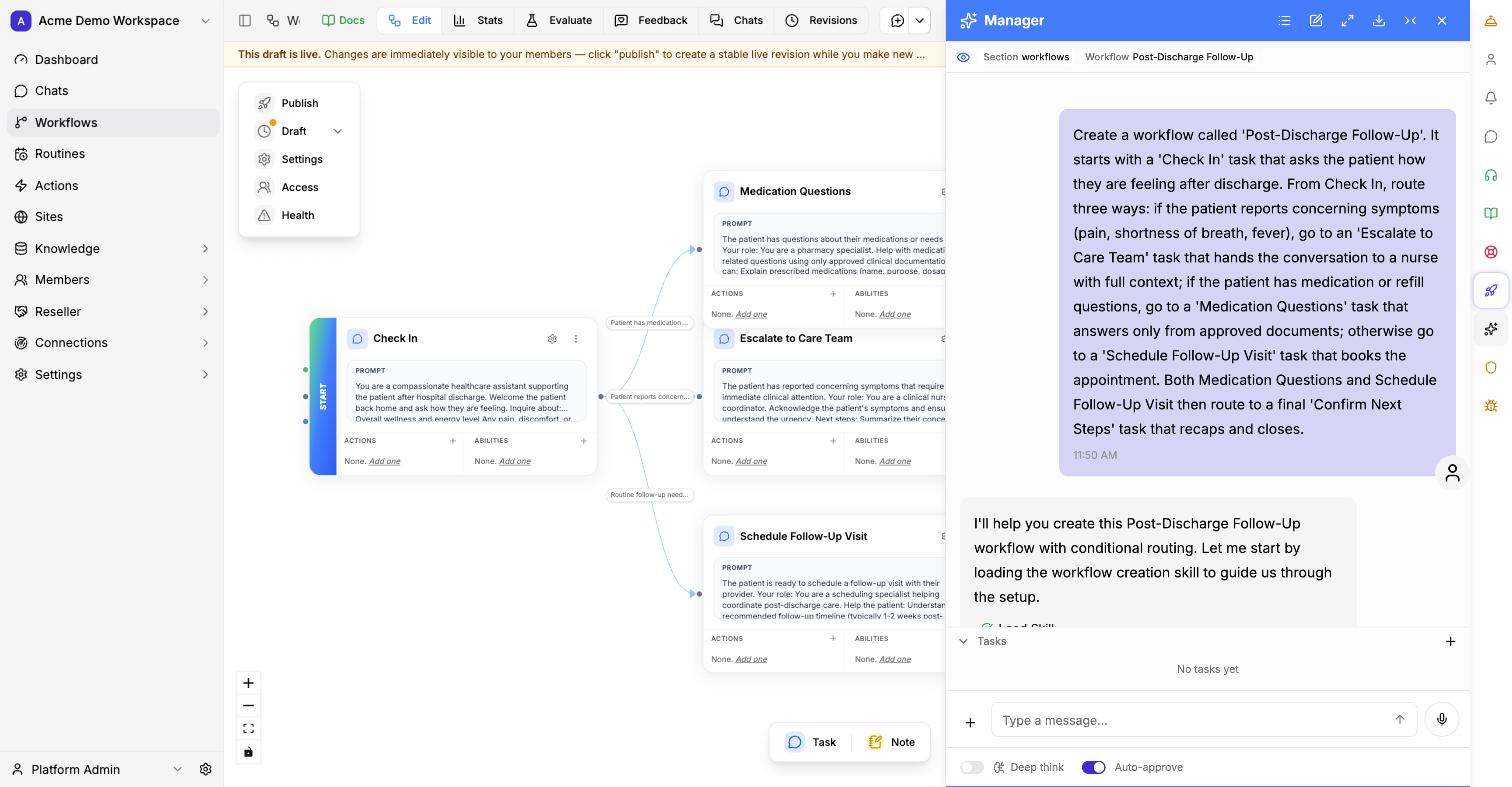
Build. Test. Deploy. Inspect. Improve.
Turn a protocol or SOP into an agent, test how it behaves, deploy it to the right population and channels, then review real interactions and improve it over time.
Turn a protocol into an Agent
Give the Workspace Manager a care pathway or SOP. Review the Tasks, population, escalation rules, and permitted actions it creates. Edit the result in plain language.
Test expected and edge-case conversations before launch
Run the agent in a sandbox against simulated patients and edge cases. See where it answers, where it escalates, and where it refuses. Nothing goes live until your team signs off.
Use the same Agent across voice, SMS, email, and web
Assign the Agent to a population and configure its channels. Keep the Workflow, boundaries, and escalation rules consistent across them.
Review conversations, actions, and handoffs
Review what the Agent did, what it handed off, and what still needs attention.
| Member | Outcome | Status |
|---|---|---|
| M. Alvarez | Appointment scheduled | Resolved |
| J. Chen | Cost barrier detected | Escalated |
| R. Osei | Meds reconciled | Resolved |
| D. Kowalski | No response × 3 | Needs review |
Use recurring questions and drop-offs to improve the Workflow
Gravity Rail surfaces common questions, stalled conversations, and missing answers. Review and approve a proposed change before it reaches patients.
Orchestrate people, agents, and channels together.
Run one engagement across voice, SMS, email, and web. Decide where agents act, where people approve, and when work moves to your team with the full context attached.
Every channel, one conversation
One history and one set of workflow rules across voice, SMS, email, and web.
Agent handles. Human approves. Human takes over.
Define how responsibility moves between AI and your team at each step. When a person is needed, work routes to where your team already operates.
Speak the caller's language
Agents can detect and switch languages during live calls, with multilingual support across text channels as well.
Context follows the member
A text can become a call, the call can end in an email summary, and the next web chat picks up where everything left off — one history, one set of escalation rules, every channel.
When judgment is needed, the agent escalates to the right person with the full thread and the reason attached — a warm handoff, not a cold transfer.
Up to 32 voice languages depending on the configured voice stack. Text channels cover all major languages.
Speak your patients' language. All of them.
Agents detect the language a caller is speaking on every turn and answer in it — no language line, no phone-tree menu, no interpreter callback. When a patient switches languages mid-call, the Agent switches with them.
Switches when the caller does
Greet in English, hear Spanish back, and the rest of the call happens in Spanish — same protocol, same escalation rules, same recorded conversation. Detection runs turn by turn, so the Agent follows even when a family member takes the phone partway through.
Text keeps up too: SMS, email, and web chat work in all major languages, and replies match the language the patient writes in.
Voice coverage
Languages an Agent can detect and speak on a live call:
The voice list shows up to 32 languages; the exact set follows your workspace's voice stack. Text channels cover all major languages. Serving a population in a language not listed here? Ask us — so far, we have not met a language need we could not handle.
Bring context in. Send actions out.
Connect the information agents need, apply your workflow and boundaries, then send completed work back to the systems your team already uses.
Everything an agent is allowed to know — nothing more.
Applies your workflow and boundaries, and acts only where approved.
Finished work lands in the systems your team already uses.
- REST APIs and webhooks — connect through open interfaces, and push outcomes to your systems as they happen.
- Interoperability standards — established healthcare standards on the boundary, so you connect without proprietary lock-in.
- Systems of record stay the source of truth — your data remains authoritative; Gravity Rail reads it and writes back, it doesn't replace it.
- Model and provider flexibility — swap models and communication providers without rebuilding the workflow.
See what is working. Improve what is not.
Review conversations, outcomes, actions, and handoffs. Find recurring questions, stalled workflows, and opportunities to improve the operation before approving changes.
Inspect a conversation or review the whole operation
Follow the conversation, the actions taken, and every handoff. Compare resolution, escalation, and outcome trends across the operation.
Improvement suggestions are surfaced from real conversations and only take effect once your team approves them.
Bring us a workflow.
We'll show you how to build it, connect it, run it across channels, and decide where agents and people handle the work.
or email us at sales@gravityrail.com